OPEN SOURCE · AI TRY-ON
New face.New outfit.New pose.
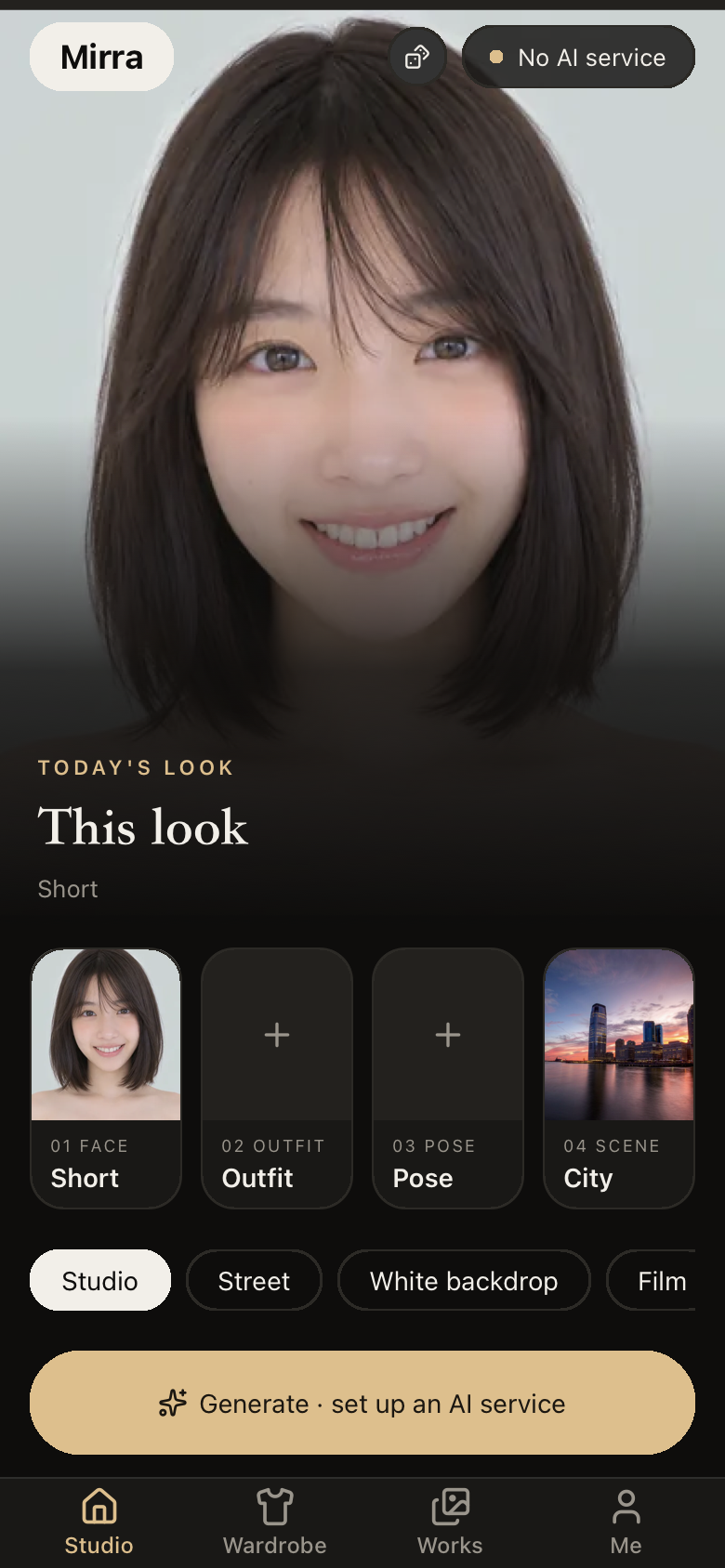
Mirra is an open-source AI try-on app. Pick a model face, choose an outfit, set a pose, add a background if you like, and generate your look in one tap. Requests only travel between your device and the AI service you set up.
- Free, no account
- Runs with your own server
- Keys stay on your device
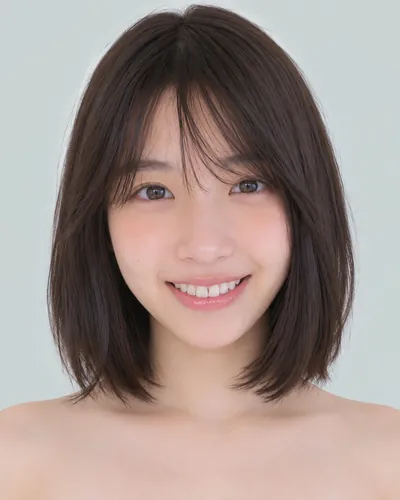
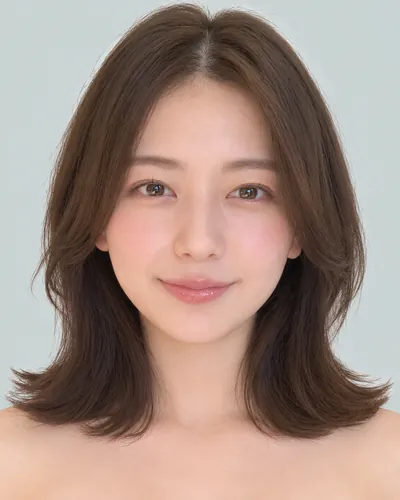
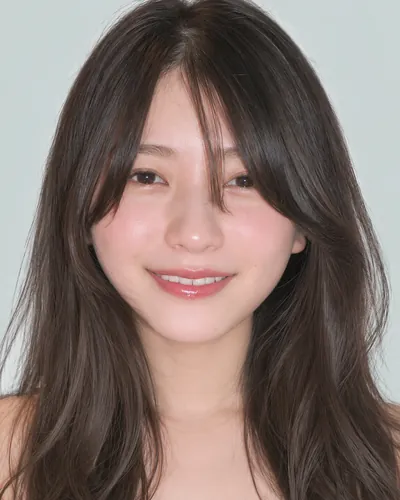
Model faces · CC0
HOW IT WORKS
Four steps to your look
01
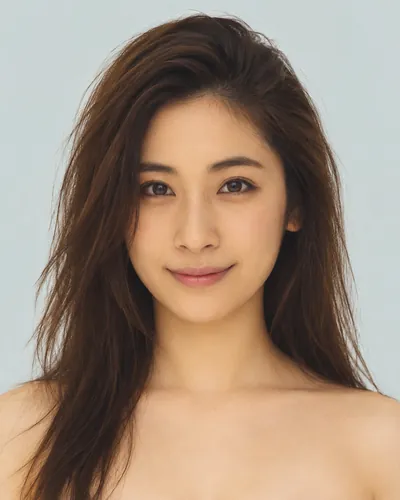
Pick a face
Choose one from the CC0-licensed AI model library, filtered by short, medium, shoulder-length or long hair.
02
Choose an outfit
Browse complete looks by season, party and swimwear, keep the ones you like with ♡, or add photos of your own clothes laid flat or on a hanger.
03
Set a pose
Pick a pose from the mannequin line-art library and choose front, three-quarter, side, high or low angle, or make one sheet of the pose from every angle.

04
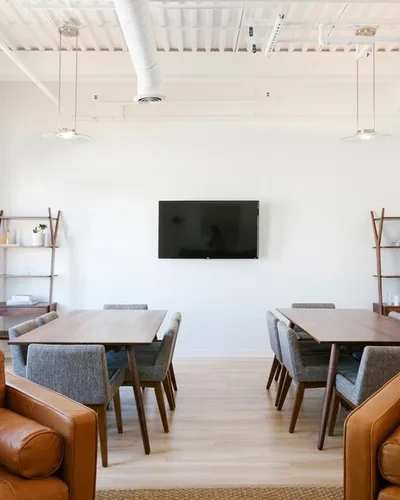
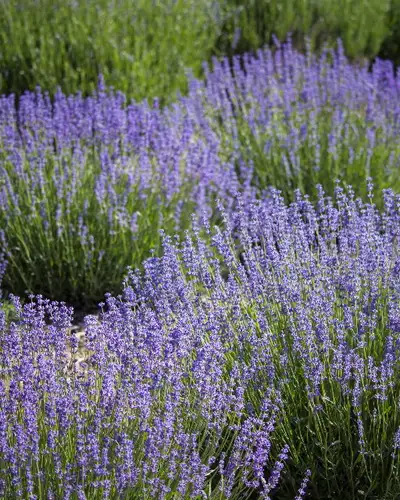
Choose a background
Optional. By default the style sets the scene: studio, street, white backdrop, film or anime. Or pick one of the built-in indoor, city and nature backgrounds. Then generate, or let Surprise me put a look together for you.
WHY MIRRA
Your datastays yours
Mirra is designed never to touch your data: no account, no servers of ours, and no one’s photos.
Open source & free
All code is public under MIT. No fees, no sign-up.
Bring your own AI
OpenAI, Google Gemini, Volcengine Ark, xAI, OpenRouter, EveryAPI, Alibaba Cloud Model Studio and Azure OpenAI are preset: choose one and enter its key. Or connect any OpenAI-compatible service, or run stable-diffusion.cpp on your own machine at no per-call cost.
On your device only
API keys stay in the system keychain; photos of your clothes and your looks stay on your device. Requests go straight to the service you set up.
One experience, everywhere
Phone, desktop and browser share the same flow, including wardrobe, lookbook and AI settings, in eleven languages. The web version keeps its key and looks only as long as the page.
QUICK START
Up and running in minutes
Mirra ships without a model. Connect any cloud API, or a service you run yourself. Pick a path:
Download & install
Pick your platform below, then download and install Mirra.
Open AI service
Open Me on a phone, or the settings button at the top right on a desktop and then AI service, and choose a provider.
Enter a key & test
Enter your API key (Get an API key opens the provider’s page), choose a model from the provider’s list, press Test connection, and you are ready to generate. The address and size are preset; change them under Advanced if you need to.
DOWNLOAD
Open it on the devices you use
On first launch, choose a provider in AI service settings, enter its key and test the connection, then start generating. The macOS, Windows and Android apps offer each new version as it comes out.
OPEN SOURCE
Help make Mirra better
Issues and pull requests are welcome: new translations, support for more AI services, better screens and docs, or just telling us what feels off.
git clone https://github.com/yldm-ai/mirra.git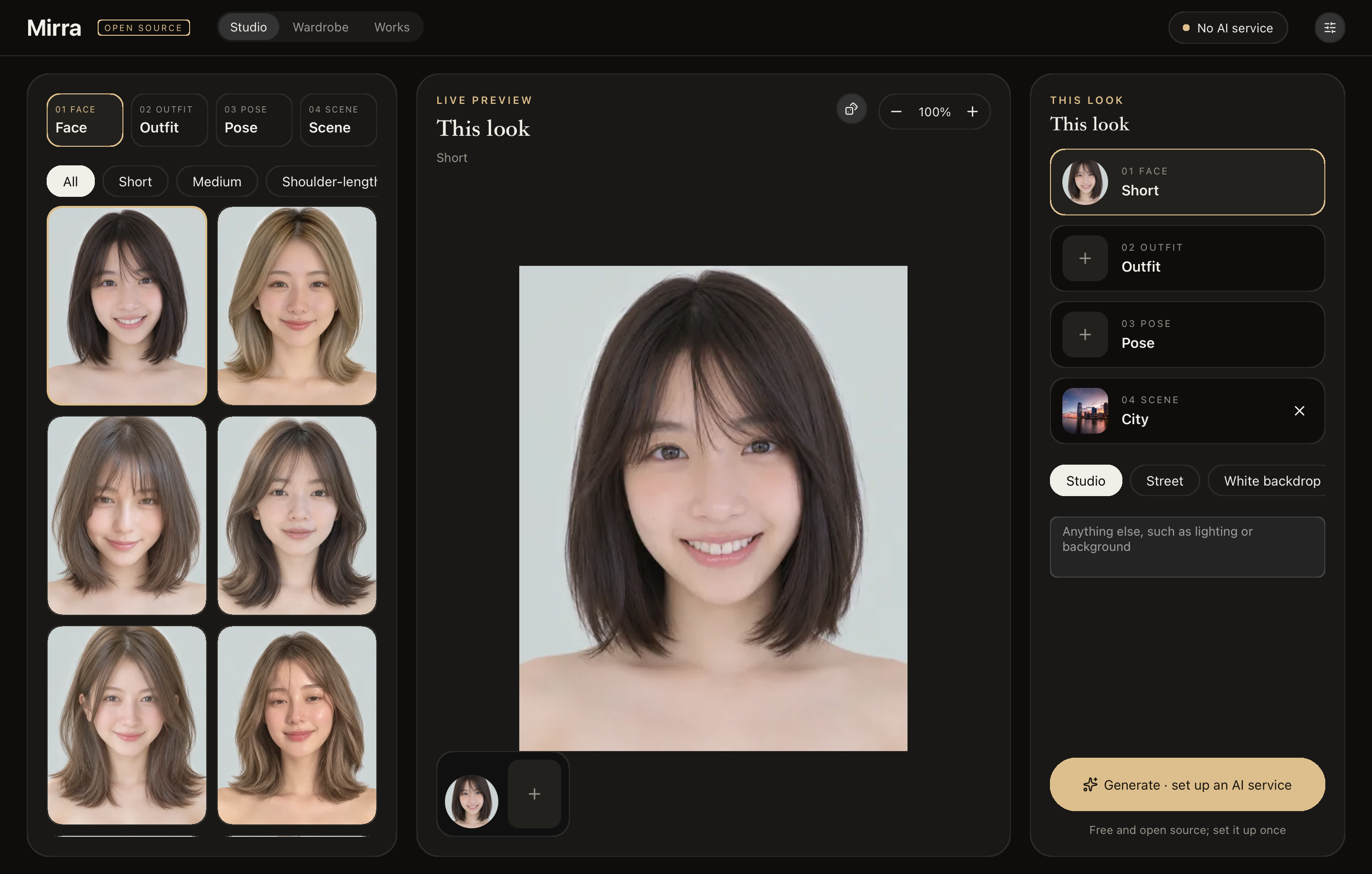
Join the discussion
Share your looks, ask questions, or talk about features in Discussions.
Discussions →Contribute code
Code, translations and docs are all welcome. Start with the development notes and the architecture.
Development notes →
Is Mirra really free?
Yes. Mirra is open source under MIT, with no fees and no account. If you use a cloud API, your provider bills you; a service you run yourself has no per-call cost.
Is my data uploaded?
Mirra has no servers of its own. API keys stay in your device’s keychain, and photos of your clothes and your looks stay on your device; when you generate, the images you chose and the prompt go straight to the AI service you set up.
Can I use it without a GPU?
Yes. Choose a cloud provider and enter its key. Only running a model yourself needs a GPU that can run it.
Where do the built-in faces, outfits, poses and backgrounds come from?
Model faces come from a CC0-licensed AI portrait library, and the backgrounds are public domain (CC0) photographs that ship with Mirra, with no one in them. Outfits and poses come from third-party reference galleries, which Mirra fetches only when you use them and never bundles or redistributes; see Asset sources & licenses.
Can I use my own or someone else’s photo as the face?
No. Mirra takes no one’s photo: the pose and outfit galleries’ terms forbid using their images to depict real people. Faces come only from the CC0 model library, and the photos you add are of clothes.
Which languages does it speak?
Simplified and Traditional Chinese, English, Japanese, Korean, Spanish, French, German, Brazilian Portuguese, Russian and Italian. It follows your system, or choose one under General in the settings.
How can I contribute?
Read the development notes in the README and ARCHITECTURE.md, then open an issue or a pull request on GitHub. Code, translations and docs are all welcome.